7 Link in Bio Mistakes That Are Killing Your Conversions (And How to Fix Them)

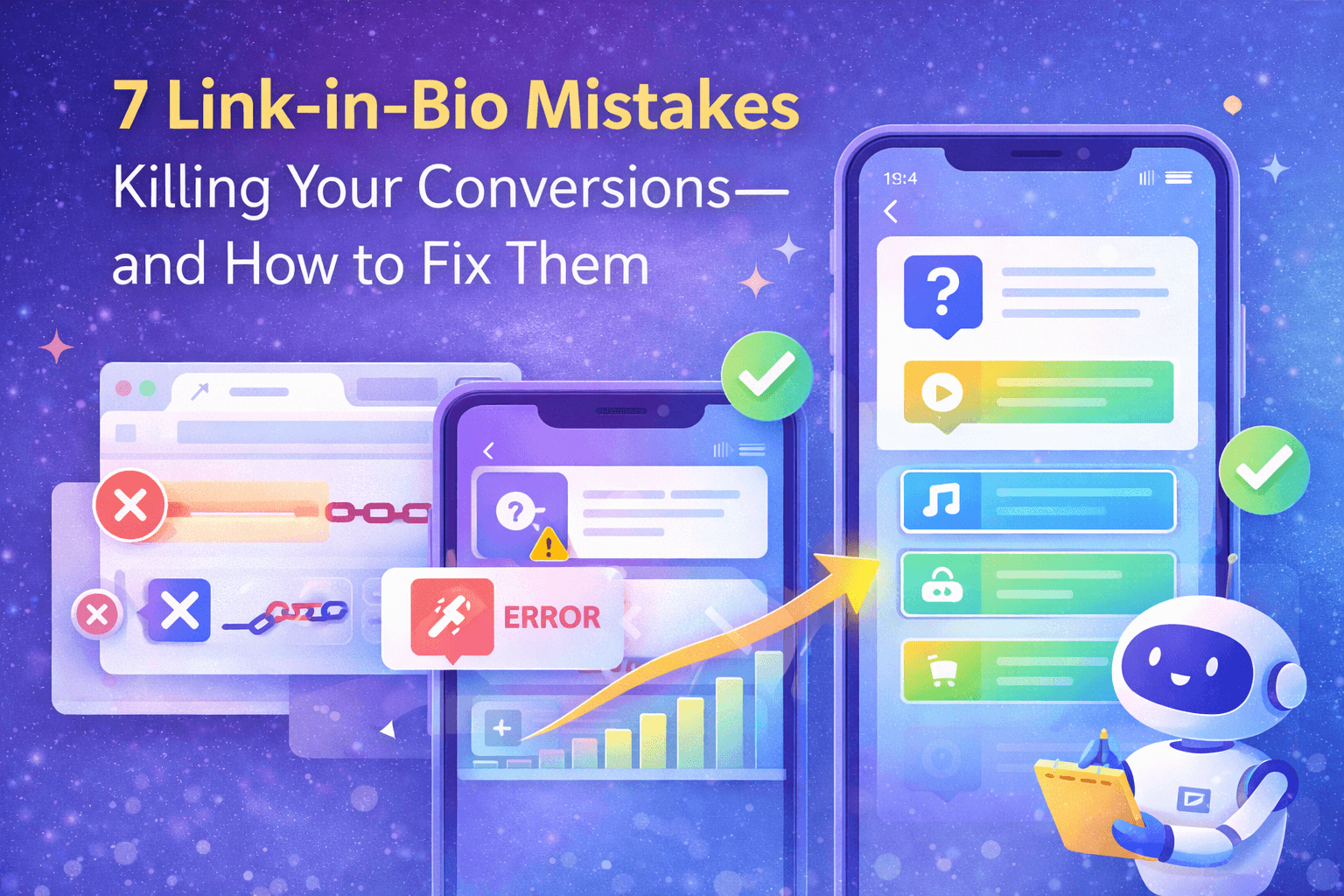
Your Link in Bio Is Costing You Money
You've spent hours crafting the perfect Instagram post. The hashtags are on point. The caption is fire. You're getting likes, comments, and—most importantly—people are tapping that profile link. Then… nothing. No sales. No sign-ups. No follows on your other platforms.
The problem isn't your content. It's your link in bio.
After analyzing thousands of Lnkk.its, we've identified the 7 most common mistakes that silently murder your conversion rates. Let's fix them.
Mistake #1: Too Many Links With No Hierarchy
You've added 15 links because you don't want to miss any opportunity. But here's the psychology: too many choices lead to no choice at all. This is called the Paradox of Choice.
The Fix:
- Limit yourself to 5-7 primary links
- Use Lnkk.it's "Featured" option to highlight your top 1-2 links
- Group related links using sections or apps (e.g., "My Music" app for all streaming platforms)
Mistake #2: Generic Link Titles
"Click Here" and "My Website" are conversion killers. They don't tell visitors why they should click.
The Fix:
Use action-oriented, benefit-driven titles:
- ❌ "My Store" → ✅ "Shop 50% Off Sale Now"
- ❌ "YouTube" → ✅ "Watch My Latest Tutorial"
- ❌ "Newsletter" → ✅ "Get Weekly Growth Tips Free"
Mistake #3: No Featured Image or Icon
Links without visual elements get 40% fewer clicks. Human brains are wired to process images 60,000x faster than text.
The Fix:
Add thumbnails or icons to every link. Lnkk.it offers built-in icon sets and thumbnail uploads—use them!
Mistake #4: Ignoring Mobile Optimization
95% of your link-in-bio traffic comes from mobile. If your landing page isn't mobile-friendly, you're losing nearly everyone.
The Fix:
- Test every link on your phone before publishing
- Use Lnkk.it's mobile preview feature
- Ensure destination pages load in under 3 seconds
Mistake #5: No Analytics Tracking
If you're not tracking clicks, you're flying blind. You have no idea what's working and what's dead weight.
The Fix:
Lnkk.it has built-in analytics showing clicks, views, and conversion rates. Review your stats weekly and remove underperforming links.
Mistake #6: Outdated or Broken Links
Nothing screams "unprofessional" like a 404 error. Visitors won't give you a second chance.
The Fix:
Schedule a monthly "link audit." Click every single link and verify it works. Update seasonal content (e.g., remove "Holiday Sale" in February).
Mistake #7: No Clear Call-to-Action
Your bio itself needs to guide visitors. "Check out my links below!" is weak. Be specific.
The Fix:
Use your bio to create urgency or curiosity:
- "🔥 New course drops Friday—get early access below"
- "💼 Booking 2026 clients now—tap to apply"
- "🎁 Free template in my first link"
The Bottom Line
Your link in bio is the bridge between your social media presence and your business goals. Treat it like a landing page, not an afterthought. Optimize it ruthlessly, and watch your conversions climb.
Ready to fix your link in bio? Create your free Lnkk.it today.
YOU MAY ALSO LIKE

Turn Profile Visitors Into Loyal Subscribers With Lnkk.it's Built-In Subscribe Feature
Your link-in-bio page gets traffic every day — but how many of those visitors actually stay? Lnkk.it's Subscribe feature lets you capture emails directly from your profile, build a loyal audience, and engage them with branded welcome emails. Here's how to set it up and why it matters.
Stop Repeating Yourself: The Ultimate Guide to the Lnkk.it FAQs App
Imagine reclaiming 5 hours of your week by automating answers to your most common DMs. The Lnkk.it FAQs App builds trust, saves time, and organizes your info beautifully.
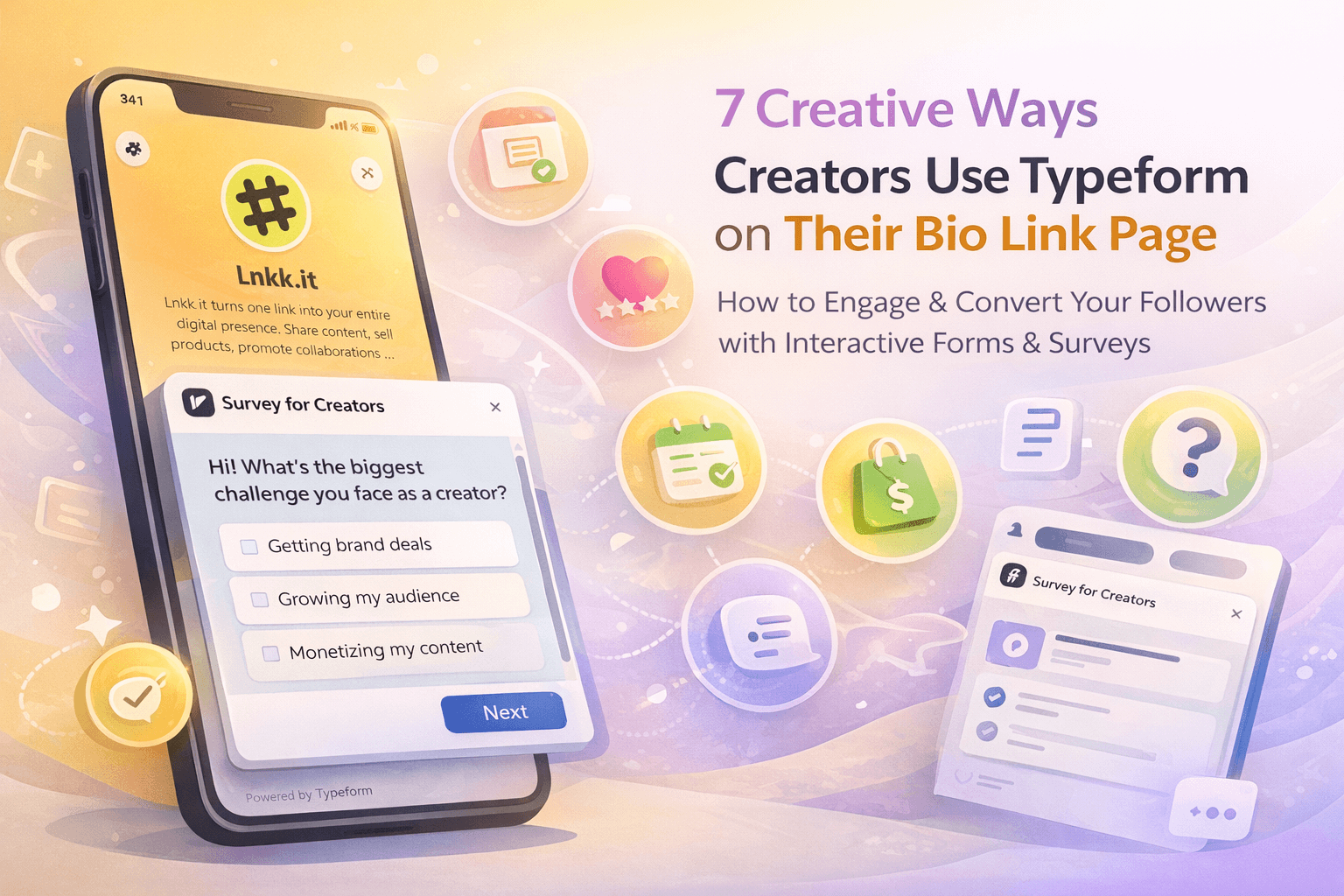
7 Creative Ways Creators Use Typeform on Their Bio Link Page
Discover 7 powerful ways creators, coaches, and entrepreneurs use Typeform embeds on their Lnkk.it bio page to collect leads, engage audiences, and grow their business.