How Lnkk.it’s YouTube App Turns Views into Real Engagement (And Why Creators Love It)

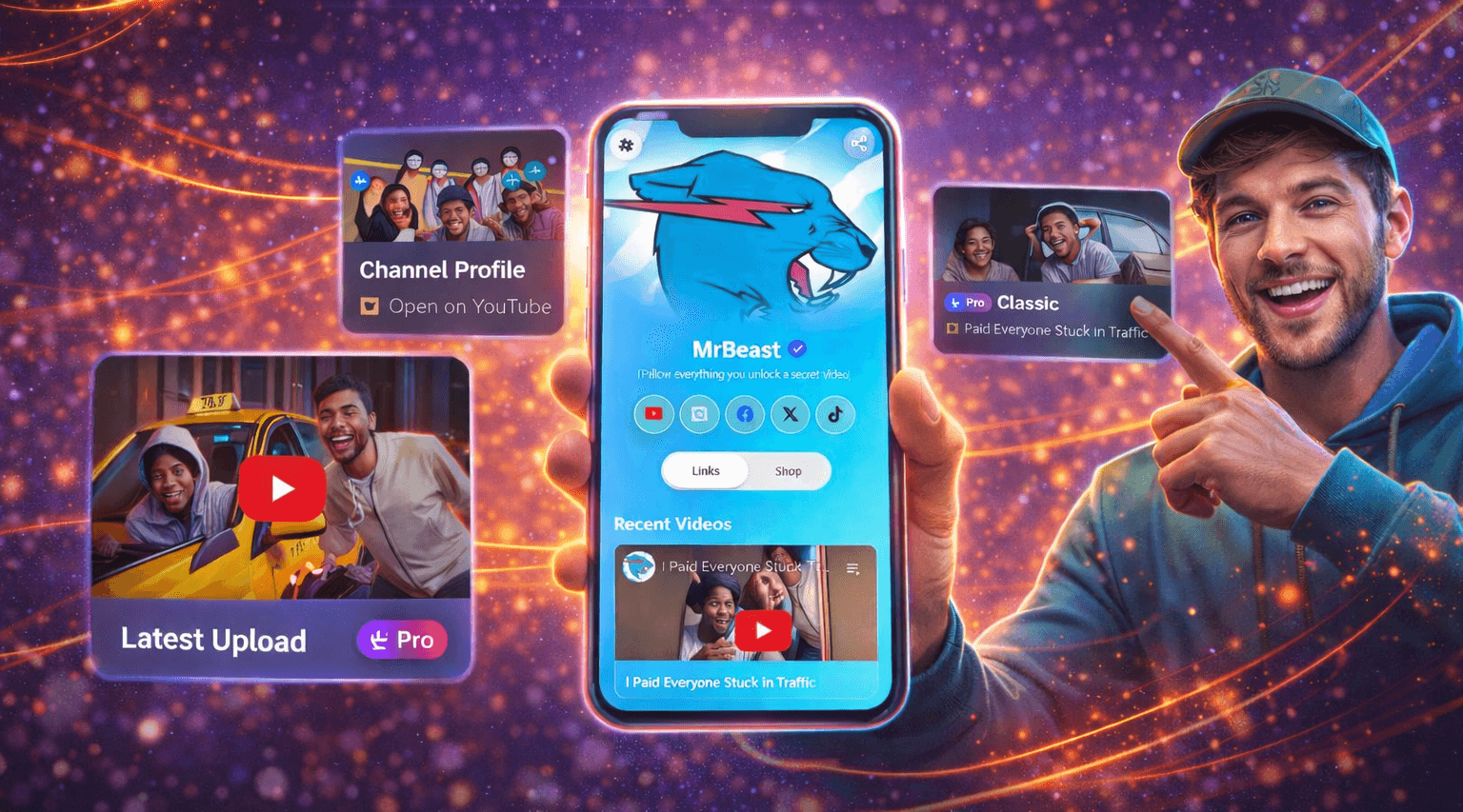
YouTube is where creators build depth.
Your bio is where attention converts.
But for years, these two worlds barely talked to each other.
Creators were forced to drop plain YouTube links into bios—sending people away, losing context, and missing engagement opportunities. That’s exactly the gap the YouTube App by Lnkk.it is designed to solve.
This article breaks down what the Lnkk.it YouTube App does, how it works, and why it’s a game-changer for creators, filmmakers, musicians, educators, and brands.
The Problem with Sharing YouTube Links in a Bio
Let’s start with the reality most creators face:
A YouTube link opens in a new app or tab
Viewers lose context of who you are
Only one video gets attention at a time
Older or featured content gets buried
Your bio becomes a traffic exit, not a destination
In short:
YouTube links drive views—but not relationships.
What Is the Lnkk.it YouTube App?
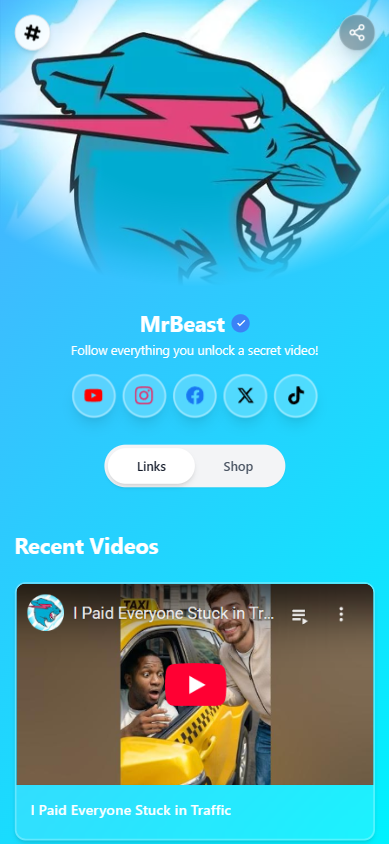
The Lnkk.it YouTube App lets you embed, showcase, and organize YouTube content directly inside your Lnkk.it—instead of redirecting visitors immediately.
Think of it as turning your bio into a curated YouTube portfolio, not just a link.
You can:
Add individual videos
Link full channels or profiles
Auto-fetch titles and thumbnails
Choose how videos behave when clicked
Organize content into categories
Highlight important releases with featured layouts
All without writing a single line of code.
How the Lnkk.it YouTube App Works
1. Add YouTube in Seconds
Inside your Lnkk.it dashboard:
Go to Apps → YouTube
Paste a YouTube video or channel URL
Lnkk.it automatically fetches:
Video title
Thumbnail
Channel details
No manual setup. No formatting work.
2. Choose How Visitors Interact
This is where Lnkk.it becomes powerful.
You can decide what happens when someone clicks your YouTube content:
▶️ Play video directly on your Lnkk.it
Perfect for discovery and binge-watching🔗 Open YouTube video or profile in a new tab
Best for subscribers and full YouTube experience🆕 Auto-display your channel’s latest video (Pro)
Your bio updates itself every time you upload
You’re not locked into one behavior—you choose what fits your strategy.
3. Pick the Right Layout for Your Content
Not all videos deserve the same presentation.
Lnkk.it offers:
Classic layout – clean, compact, efficient
Featured layout (Pro) – big thumbnails, visual impact, higher CTR
Featured layouts are ideal for:
New releases
Trailers
Music videos
High-performing content
Campaign launches
Your most important videos get the attention they deserve.
Why the YouTube App Works Better Than Normal Links
Your Bio Becomes a Viewing Experience
Instead of sending visitors away immediately, Lnkk.it lets them discover content inside your bio.
This increases:
Time spent on your profile
Content discovery
Brand recall
Click-through quality
You Control the Narrative
On YouTube, algorithms decide what’s next.
On Lnkk.it, you decide:
Which videos appear
What order they’re in
How they’re grouped
What gets featured
Your bio becomes editorial—not random.
Perfect for Multi-Content Creators
The YouTube App is especially powerful for:
🎬 Filmmakers showcasing trailers & shorts
🎤 Musicians promoting music videos
🎭 Comedians highlighting stand-up clips
🎓 Educators sharing lessons & talks
📺 Brands curating campaigns & ads
You’re no longer limited to “latest video only.”
Organize Videos with Categories
Lnkk.it lets you group YouTube content into sections like:
Latest Releases
Music Videos
Interviews
Films
Short Films
Tutorials
YouTube Channels
This turns your bio into a structured content library, not a feed.
Visitors instantly find what they care about.
Auto-Updating Channels = Zero Maintenance (Pro)
One of the most powerful features is “Display channel’s latest video.”
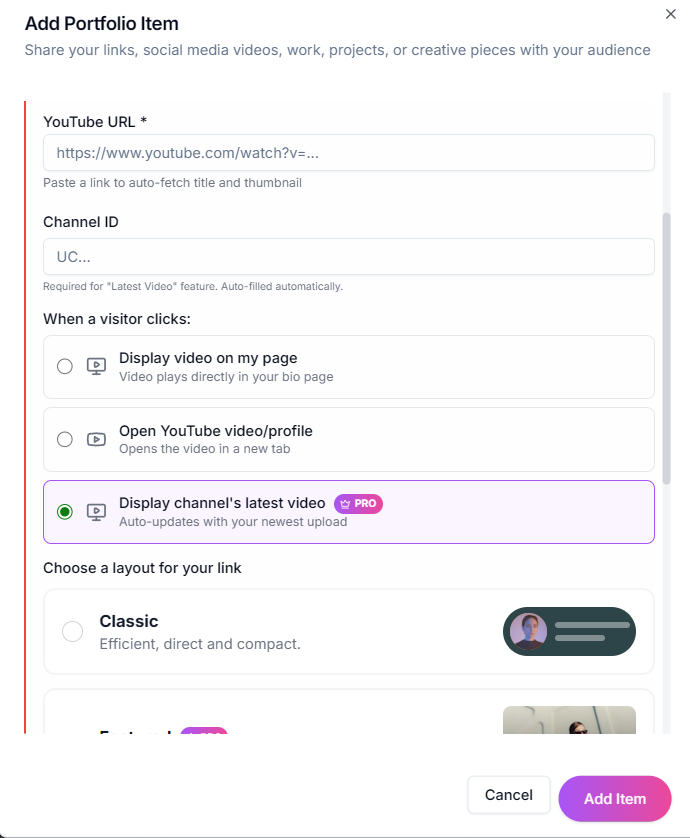
When enabled:
Lnkk.it automatically pulls your newest upload
No need to update links manually
Your bio stays fresh—even when you forget
This is perfect for creators who publish regularly.
Why This Matters for Growth
Here’s the shift Lnkk.it enables:
From:
“Link in bio → watch one video → leave”
To:
“Lnkk.it → discover content → watch → explore → subscribe”
That difference compounds over time.
More discovery leads to:
Better engagement
Higher-quality subscribers
Stronger brand presence
More meaningful conversions
The Bigger Picture: Your Bio Is Now a Media Hub
In 2025, creators don’t just need links.
They need presentation, control, and context.
The Lnkk.it YouTube App transforms your bio from a traffic bridge into a content destination—one that works seamlessly across Instagram, TikTok, X, LinkedIn, and YouTube itself.
Final Thought
If YouTube is where you create,
your bio should be where people experience your work.
Not just one video.
Not just one click.
But the full picture.
YOU MAY ALSO LIKE
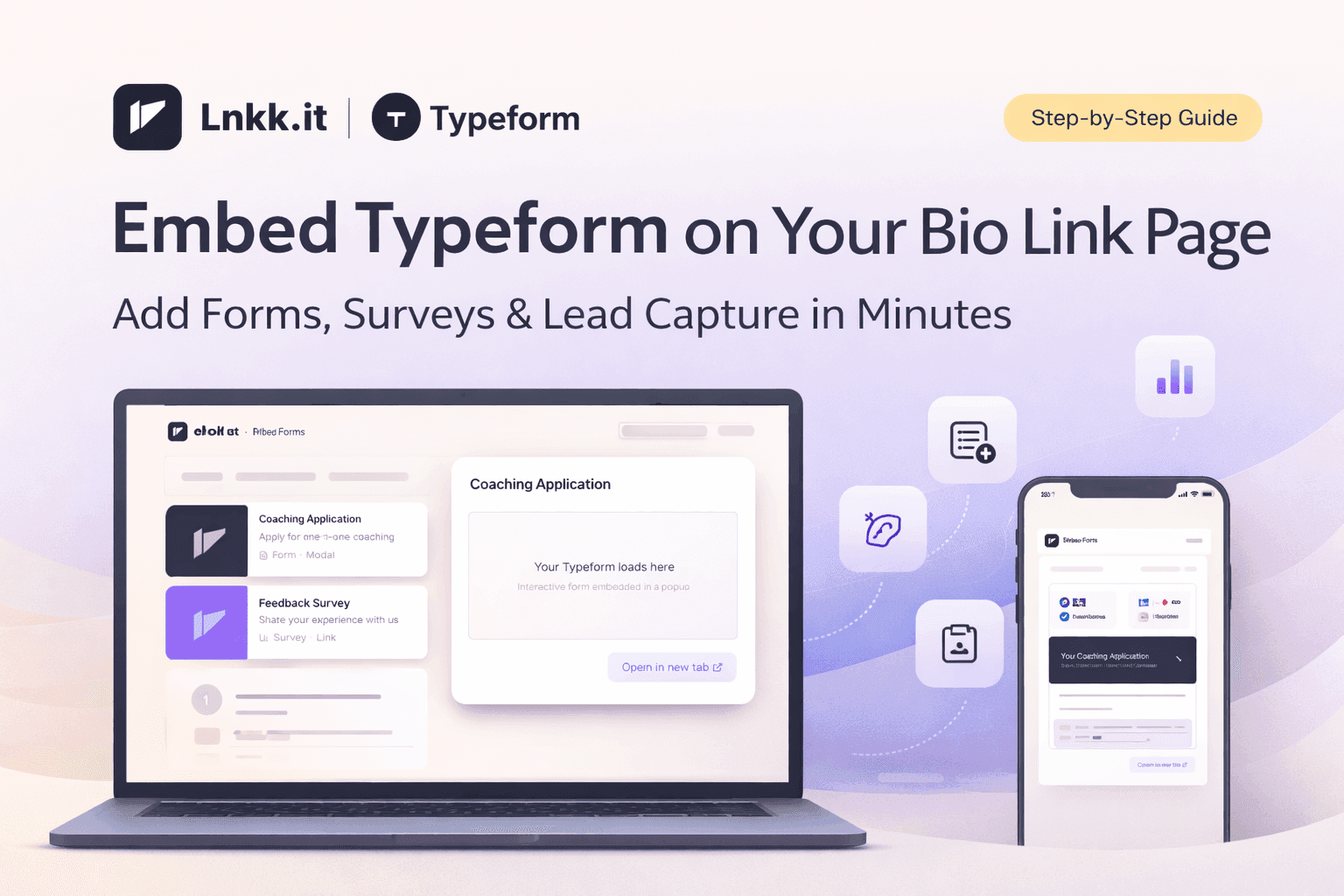
How to Embed Typeform on Your Bio Link Page (Step-by-Step Guide)
Learn how to embed Typeform surveys, quizzes, and application forms directly on your Lnkk.it bio page. Collect leads, feedback, and applications without visitors ever leaving your profile.
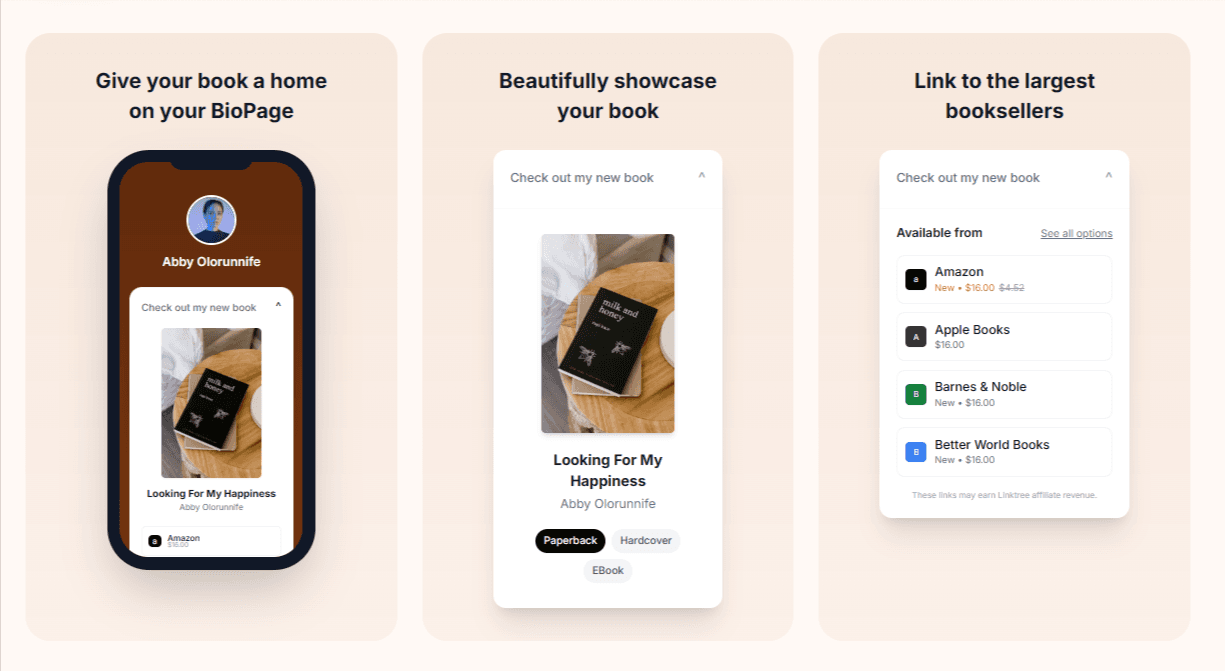
How to Add Books to Your Lnkk.it: The Complete Step-by-Step Guide for Authors
Learn exactly how to add your books to Lnkk.it with this complete step-by-step guide. Display beautiful covers, link to multiple retailers, and give readers the buying experience they want.