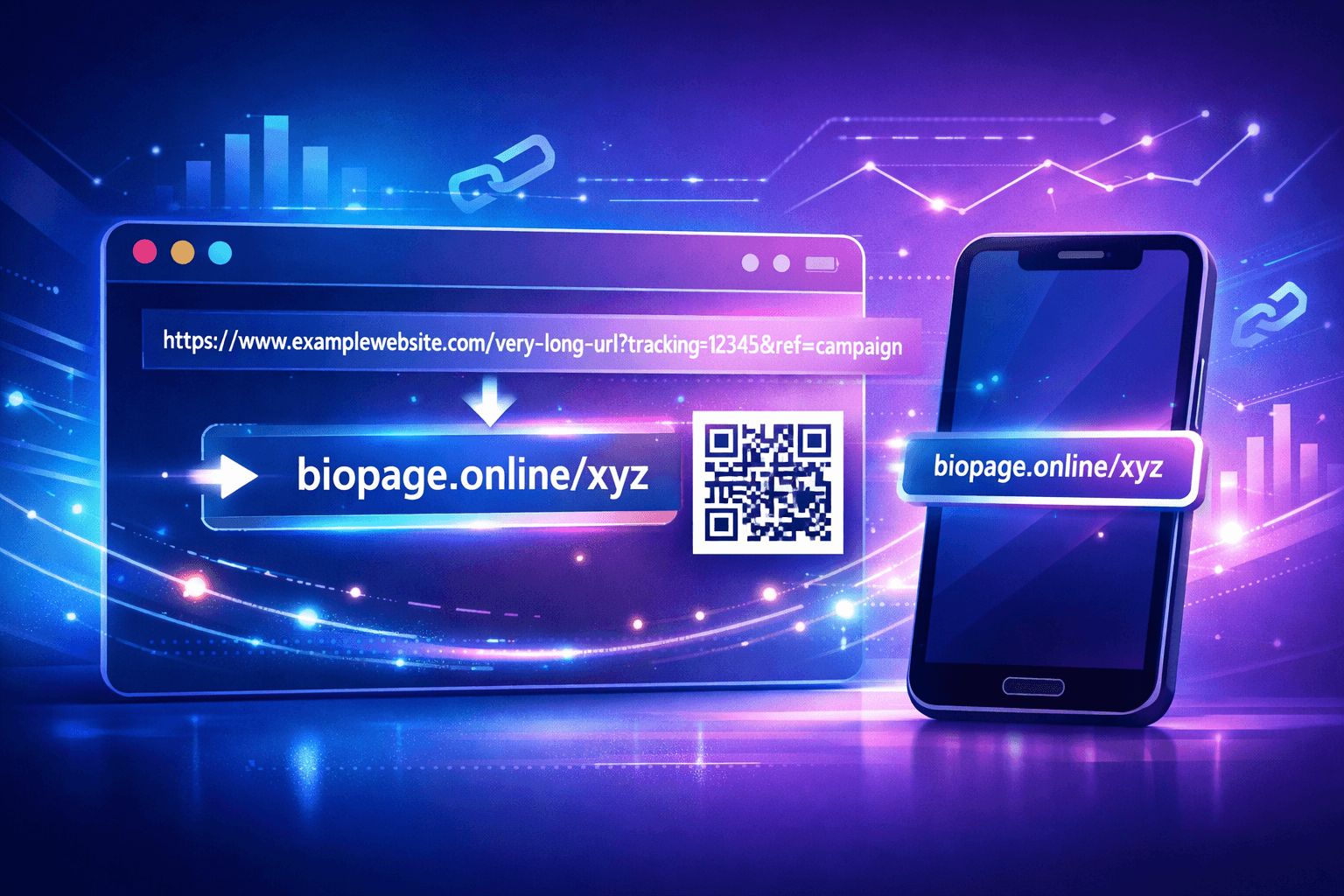
The Comprehensive Guide to Custom Domains & Advanced Link Analytics

In the world of digital marketing, two things separate the amateurs from the pros: Brand Authority and Data-Driven Decisions. If you are still sharing links that look like lnkk.it/x7y9z, you are missing a massive branding opportunity. And if you are not tracking every click, you are flying blind.
This comprehensive guide will walk you through exactly how to set up a custom domain (like links.yourbrand.com) and how to squeeze every drop of insight from your analytics dashboard to double your marketing ROI.
Part 1: The Power of Custom Domains
A custom domain is more than just a vanity URL. It is a declaration of ownership. When users see deals.nike.com instead of bit.ly/3m..., they instantly know three things:
- Safety: This link definitely goes to Nike.
- Professionalism: This company invests in its infrastructure.
- Relevance: This link matters to the brand.
Data backs this up: Branded links can increase click-through rates (CTR) by up to 34%. That is free traffic just for changing your URL structure.
Step-by-Step Guide: Connecting Your Domain to Lnkk.it
We have streamlined the process to make it secure and simple. You will need access to your domain provider (GoDaddy, Namecheap, Cloudflare, etc.).
Step 1: Choose Your Subdomain
Go to your Custom Domains Dashboard and click "Add Domain". We recommend using a subdomain dedicated to links, such as:
links.yourdomain.com(Most popular)go.yourdomain.comclick.yourdomain.comget.yourdomain.com
Step 2: Authenticate Ownership (TXT Record)
To prevent someone else from claiming your domain, we first need to verify you own it. You will see a TXT Verification Record in the setup modal.
- Type: TXT
- Host: Copy the host provided (usually something like
_biopage-verify) - Value: Copy the unique verification token shown in your dashboard
Step 3: Point the Domain (CNAME Record)
Once ownership is verified, you need to tell the internet to send traffic to us.
- Type: CNAME
- Host: Enter your subdomain (e.g.,
linksfor links.yoursite.com) - Value:
cname.lnkk.it - TTL: Automatic or 3600
Pro Tip: DNS propagation can take anywhere from a few minutes to 24 hours. If it doesn't verify instantly, grab a coffee and try again in an hour!
Step 4: Verify & SSL
Back in your Lnkk.it Dashboard, click the "Verify Now" button. Once our system detects the records:
- Your domain status will flip to Verified.
- We will automatically provision a Free SSL Certificate (HTTPS) for you within minutes.
- You can start creating branded links immediately!
Part 2: Mastering Link Analytics
Once your branded links are out in the wild, the real magic begins. Lnkk.it doesn't just count clicks; we tell you the story behind the click.
Metric 1: Unique Users vs. Total Clicks
Your dashboard splits these clearly. Why does it matter?
- Total Clicks: Every time the link was hit. High numbers here indicate viral potential or users returning to reference content.
- Unique Visitors: The number of individual people (devices).
Insight: If you have 1,000 Total Clicks but only 100 Unique Visitors, your audience is highly engaged (clicking 10x each!), but your reach is small. You need to focus on distribution.
Metric 2: Geographic Heatmaps
Our interactive map shows you exactly where your clicks are originated.
Scenario: You are a US-based e-commerce store, but you notice a 15% spike in traffic from Berlin, Germany.
Actionable Strategy: This is a signal! Consider offering affordable shipping to Europe, translating a landing page to German, or maximizing your ad spend in that region. Data transforms "guesses" into revenue.
Metric 3: Device & Referrer Data
Are your users on iPhone or Android? Do they come from Twitter or an email newsletter?
- Device Data: If 80% of your traffic is mobile, your destination page must be mobile-optimized. A slow mobile site with high mobile link traffic is a recipe for a 90% bounce rate.
- Referrer Data: Discover hidden traffic sources. Maybe a niche Reddit thread linked to your product, driving high-quality leads you didn't even know about. Double down on those unexpected community wins.
Conclusion: The Growth Loop
The smartest marketers today use a feedback loop: Shorten → Share → Analyze → Optimize.
By using a custom domain, you increase the likelihood of that first click. By using analytics, you ensure the second click is even more valuable. Lnkk.it gives you the complete toolkit to own the entire journey, for free.