Put Your Business on the Map: The Interactive Google Maps Integration

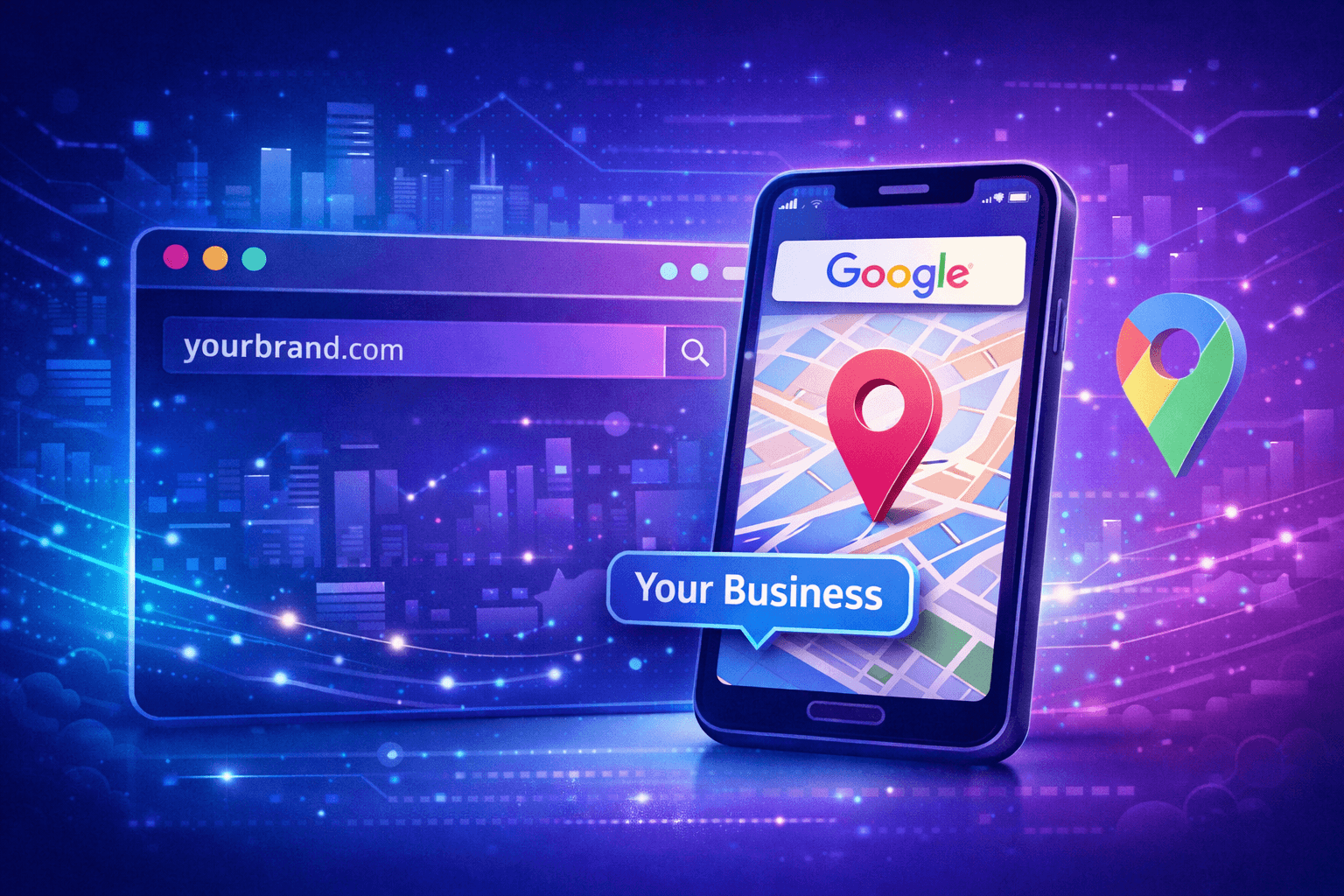
"Where are you located?" If you are answering this question in your DMs ten times a day, you are wasting time. Whether you run a chain of escape rooms, a pop-up food truck, or a multi-city event, your physical location is your biggest asset. It is time to put it front and center with the Lnkk.it Google Maps App.
Beyond the Static Address
Typing "123 Main St" in your bio is outdated. Users have to copy it, close Instagram, open Maps, paste it, and search. That is 4 steps too many.
The Lnkk.it Google Maps App embeds a fully interactive map directly on your profile. Users can:
- Pinch and zoom to see the neighborhood.
- Tap "Get Directions" to instantly launch navigation.
- See reviews and star ratings (auto-fetched from Google).
Case Study: The "Quiz Box" Strategy
Let's look at Quiz Box, a TV game show experience with venues in Camden, Southwark, and Belfast. They realized that linking to a generic "Contact Us" page was killing their bookings.
The Fix: They used Lnkk.it to stack three distinct map blocks, one for each venue:
- Quiz Boxing Camden: Shows the trendy market location.
- Quiz Boxing Southwark: Highlights proximity to the tube station.
- Quiz Boxing Belfast: Puts their new Irish location on the map.
"Since adding interactive maps for each of our venues, our 'Get Directions' clicks have increased by 200%. Customers find us easier, which means fewer late arrivals and smoother operations." — Marketing Director, Quiz Box
Feature Spotlight: 6 Custom Map Styles
Your brand isn't generic, so your map shouldn't look generic either. We offer 6 custom themes to match your aesthetic:
- Dark Mode: Perfect for nightlife, clubs, and dark-themed profiles.
- Retro: A vintage look for thrift stores and cafes.
- Aubergine: A deep, purple-hued style that pops on modern interfaces.
- Silver: Clean, minimal, and corporate.
How to set it up (in 30 seconds)
You don't need an API key. You don't need to be a coder.
- Go to Dashboard → Add App → Google Maps.
- Paste any Google Maps link. (Search for your business on Google Maps and copy the URL).
- We automatically pull in your Business Name and Address.
- Select your visual style (e.g., "Dark Mode").
- Click Add. Done.
If you have multiple locations, just repeat the process. They will stack beautifully, creating a scrollable "Store Locator" right in your bio link.
Stop Losing Foot Traffic
If people can't find you, they can't pay you. Remove the friction and guide them straight to your front door.
YOU MAY ALSO LIKE

Sold Out: The Ultimate Guide to Managing Events & Tours on Lnkk.it
Stop managing messy ticket links. Learn how to centralize your tour dates, workshops, and live shows into one beautiful feed. Increase ticket sales today.

Silence the Noise: Why Every Podcaster Needs Lnkk.it Smart Links
Stop alienating half your audience with the wrong link. Learn how to use Podcast Smart Links to share your show across Spotify, Apple, and Google automatically.

Showcase Your Sound: The Ultimate Guide to the Lnkk.it Spotify App
Turn your bio link into an audio experience. Learn how to embed Spotify tracks, albums, and podcasts directly onto your Lnkk.it for higher engagement.